Technology
Break room technology that keeps things stocked and simple.
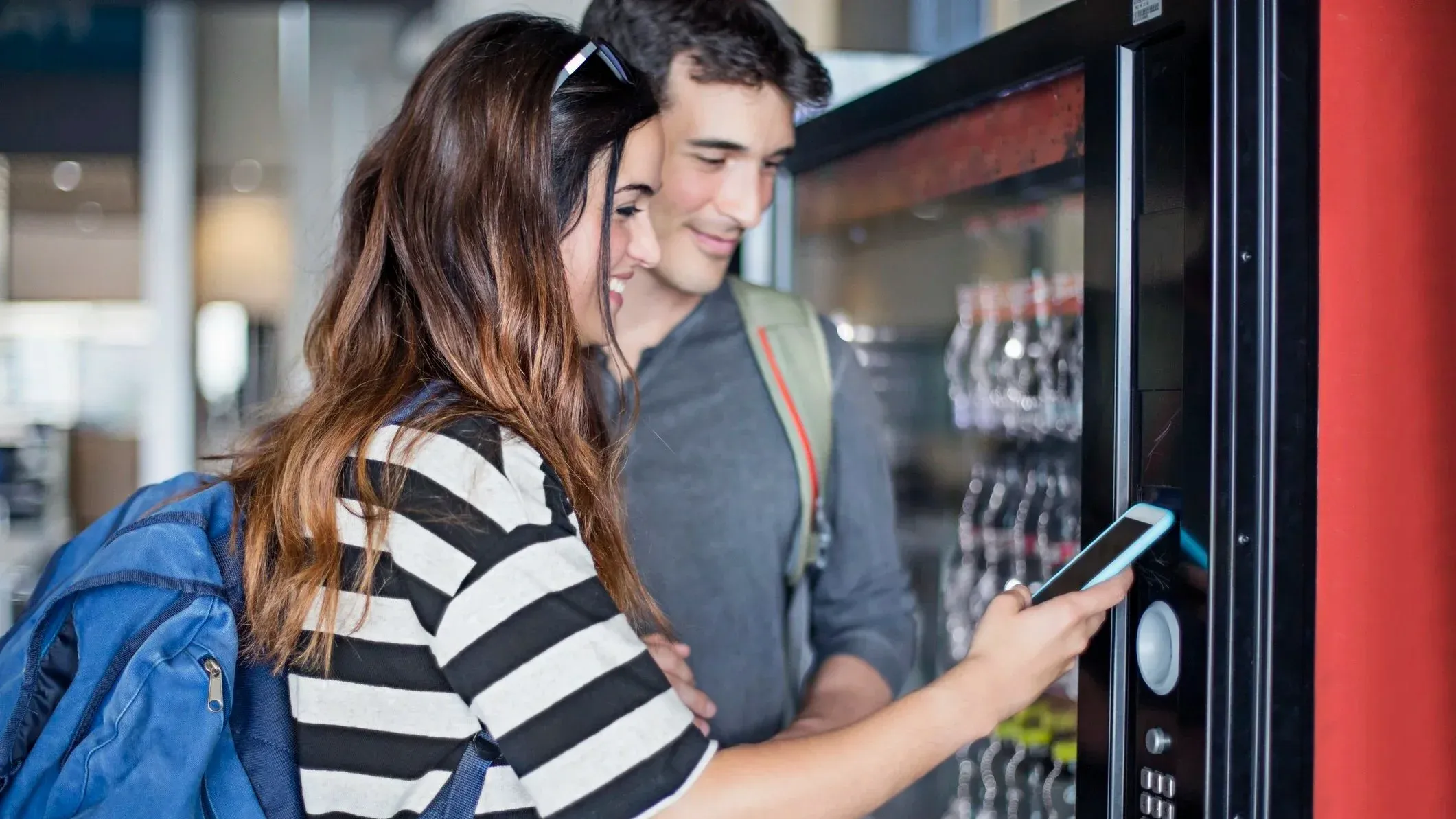
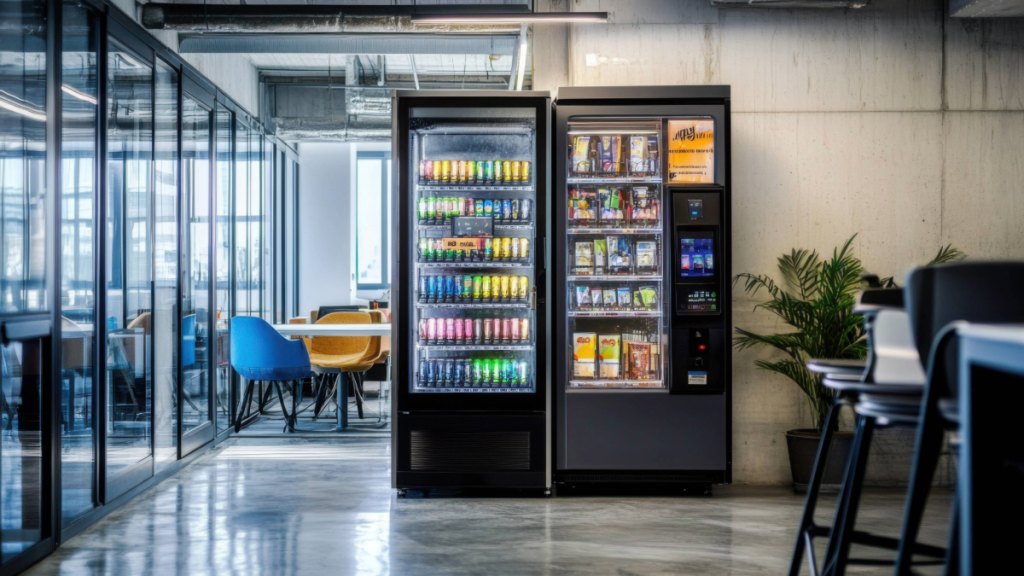
Every Vista machine, market and cooler takes cashless payment, reports what it sells, and carries a Zippy Assist code your team can scan for help. You get a break room that runs without you chasing it.
- Tap cards, Apple Pay, Google Pay and market accounts
- Restocking planned from sales data
- Zippy Assist help in English and Spanish
What runs behind the program
Four tools behind a Vista break room.
Payment, monitoring and support come with the equipment and the service. Online ordering is there for anything extra.
Cashless checkout
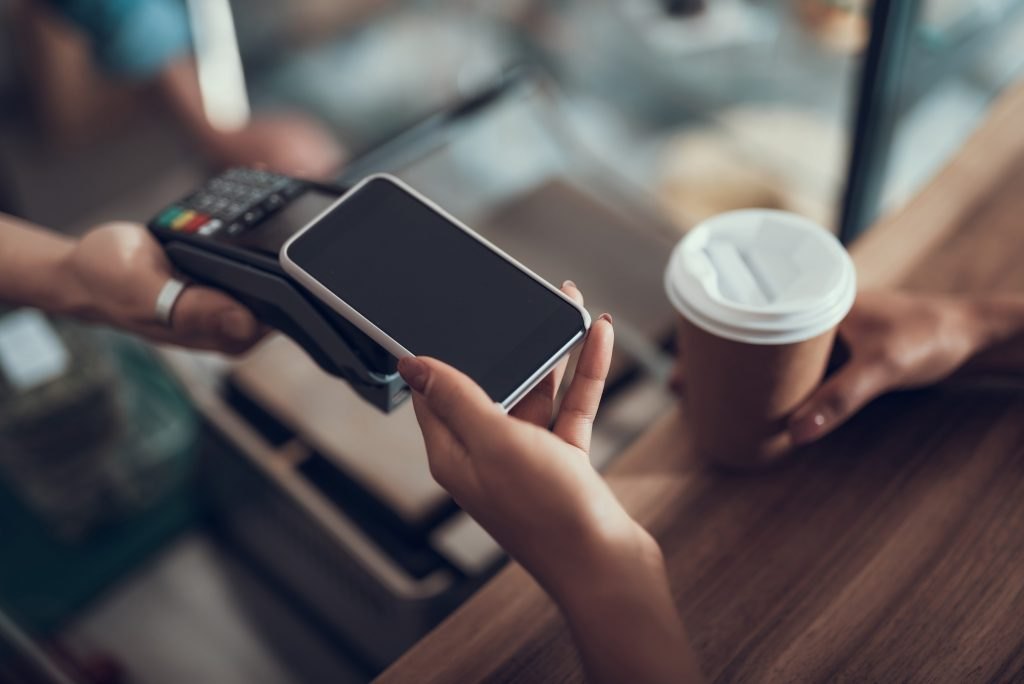
Tap-to-pay debit and credit cards and mobile wallets like Apple Pay and Google Pay on machines, markets and smart coolers, plus market accounts in micro markets.
Remote monitoring
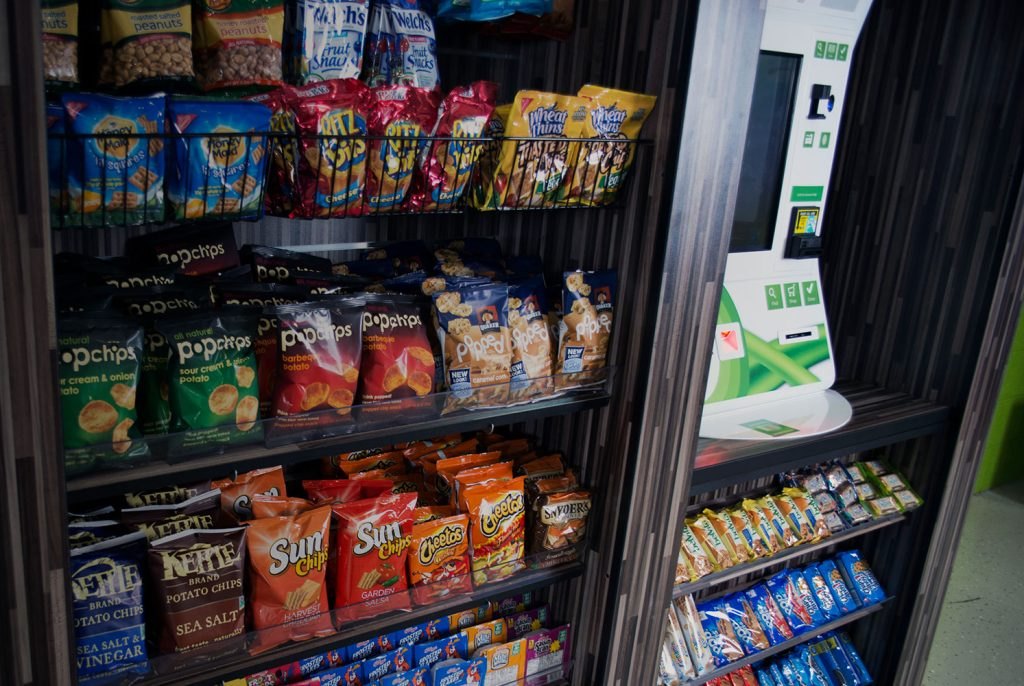
Each unit reports product movement and service needs, so we restock what sold and catch problems early.
Zippy Assist
A code on every machine, market and cooler for refunds, repair requests, product requests and feedback, in English or Spanish.

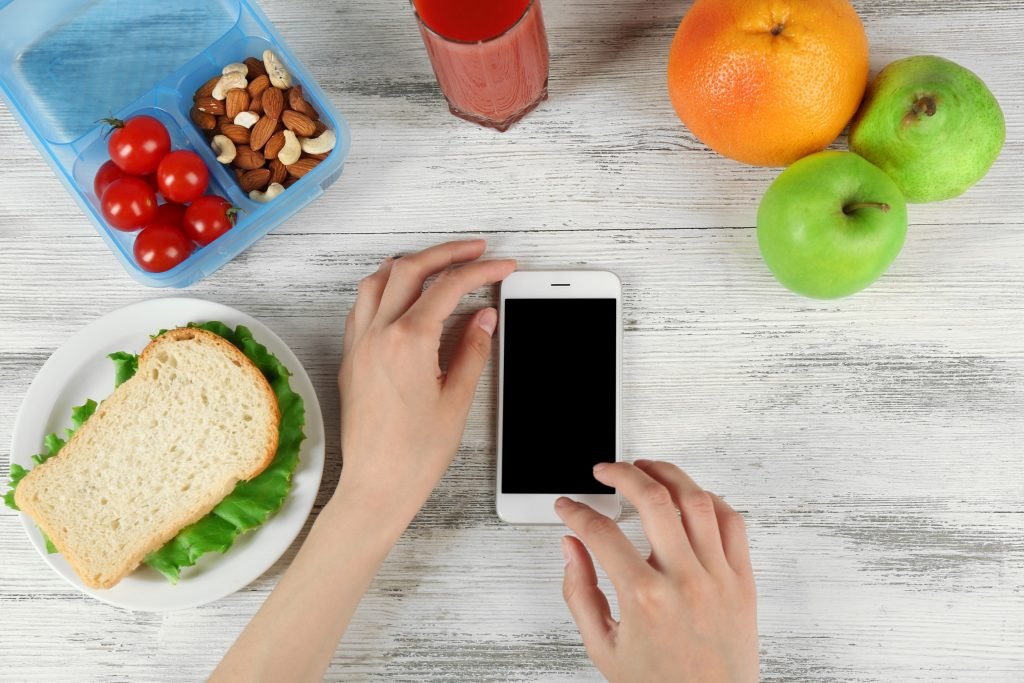
Online ordering
Break room supplies ordered online without a full service program or bulk minimums.
Start an order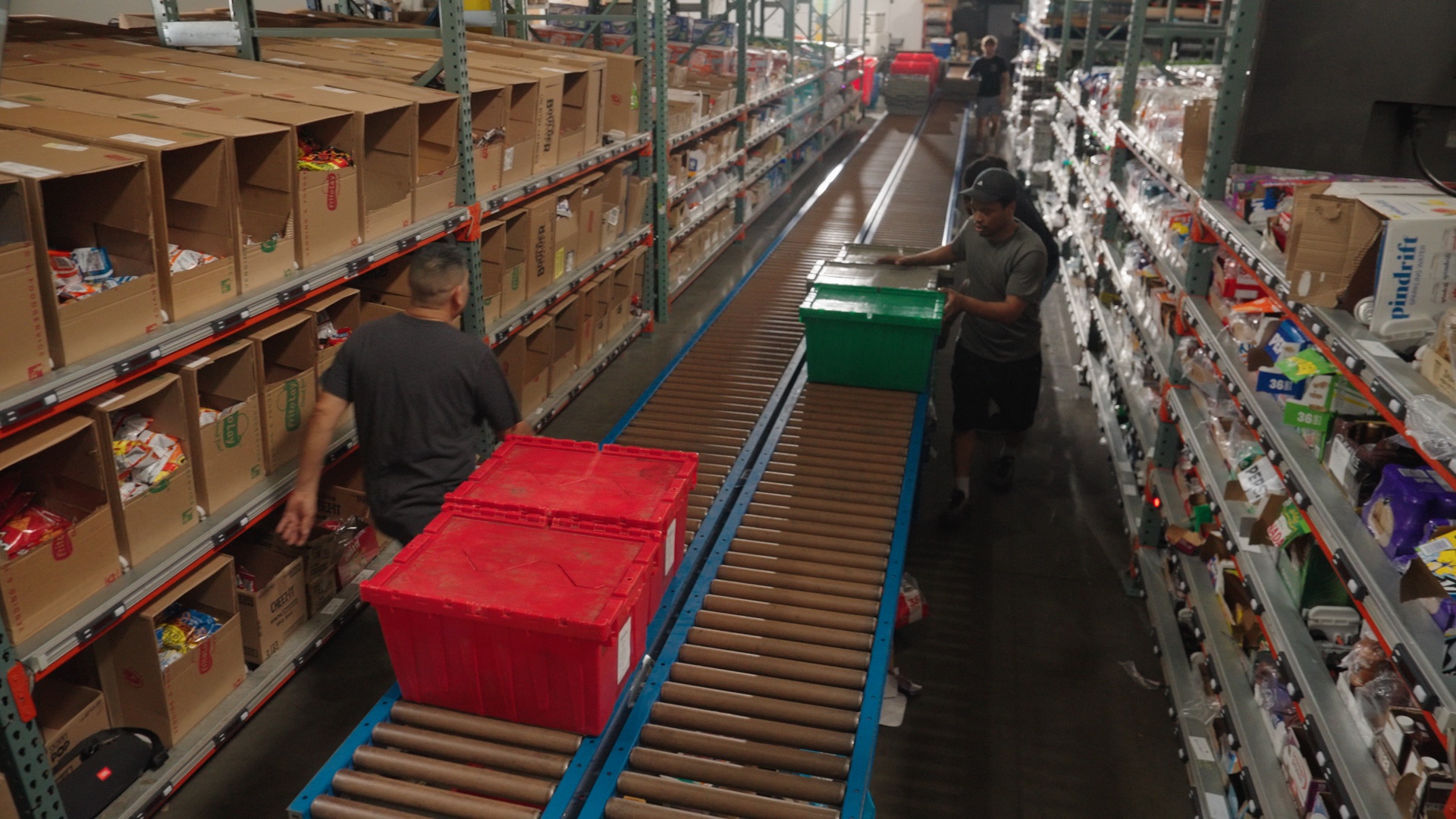
Remote monitoring
Restocking based on what your team bought.
A fixed weekly visit stocks the same items whether they sold or not. Our machines, markets and coolers report product movement back to the Auburn office instead, so each route is planned around what is actually running low. The same data shapes the product mix. Rows that sell out get more space, items that sit get swapped, and the driver arrives with what your building needs.
- Sales data reviewed before each route
- Service needs flagged by the equipment
- Product mix adjusted from what sells
Zippy Assist
Your team asks for help at the machine, not at your desk.
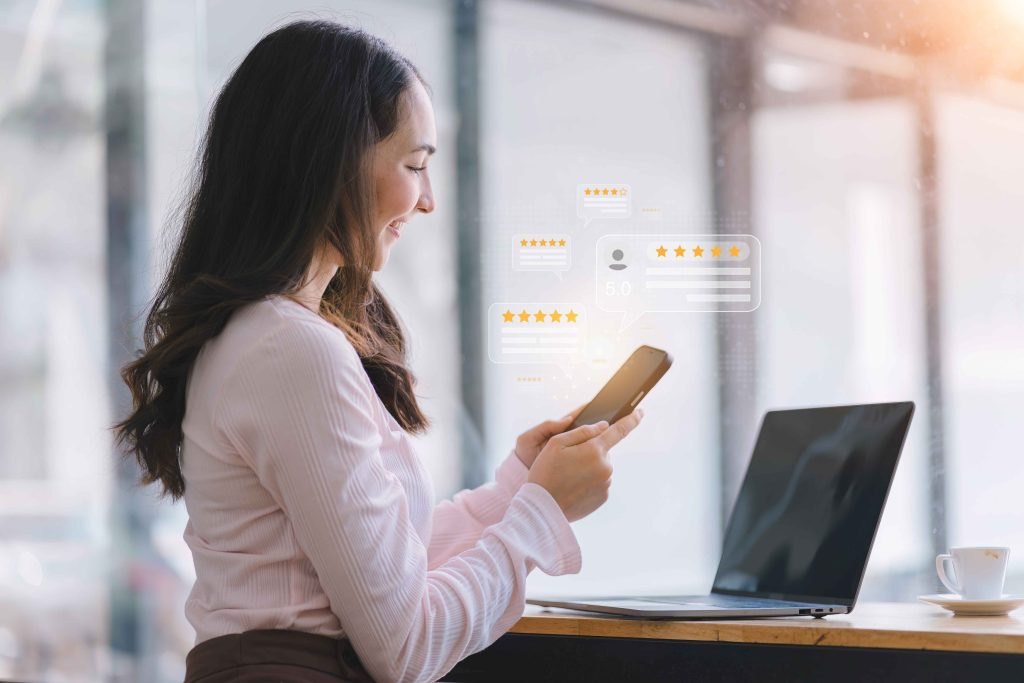
Every machine, market and cooler carries a Zippy Assist code. Anyone can scan it with a phone to request a refund, report a problem, ask for a new product or leave feedback, in English or Spanish. The request comes straight to our Auburn office, so the office manager is never the go-between for a lost dollar or a jammed row.
- Refund requests
- Repair and problem reports
- Product requests and feedback
- Support in English and Spanish
Going green
Less power in the break room, fewer miles on the road.
We place energy-efficient equipment, and our machines use LED lighting that draws less power than older bulbs. On the road, routes out of Auburn are planned from what each site actually sold, so trucks make the stops that need a visit and skip the ones that do not.
- LED lighting in our machines
- Energy-efficient equipment
- Efficient routes planned from sales data
Getting set up
How the technology gets installed.
Payment, monitoring and Zippy Assist arrive with the equipment we place.
- 1
Walkthrough
We check power and signal where the equipment will go and see how people move through the room.
- 2
Choose payment options
Cards and mobile wallets on every unit, and market accounts if you run a micro market.
- 3
Install and connect
We install the equipment, connect it, and put a Zippy Assist code on every unit.
- 4
Monitor and restock
Sales data comes back to Auburn and our drivers restock from it on their routes.
See it in action
Related services
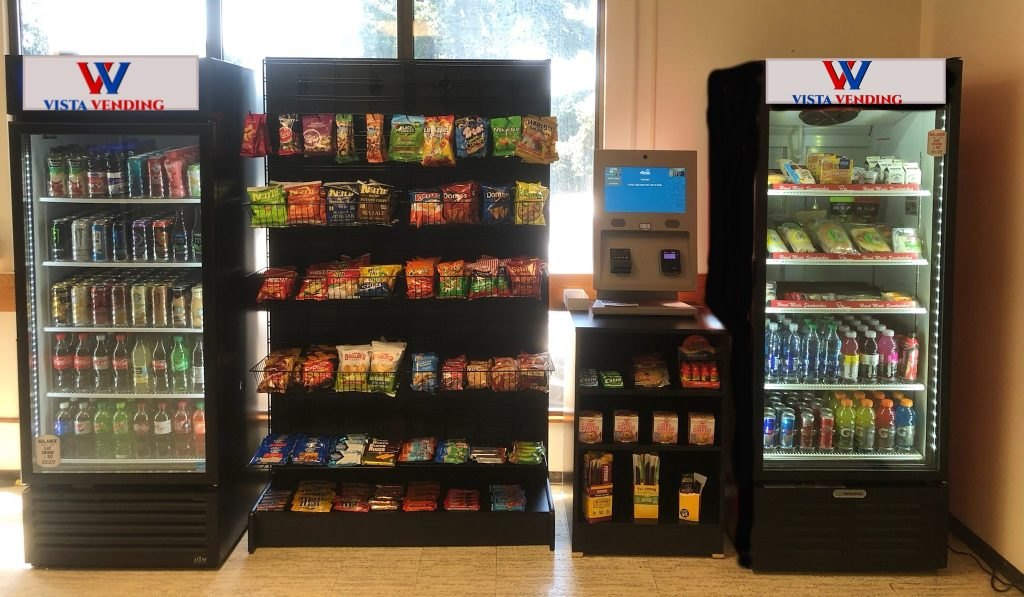
Micro markets
Self-checkout with cards, phones or a market account at an open store in your break room.
See micro markets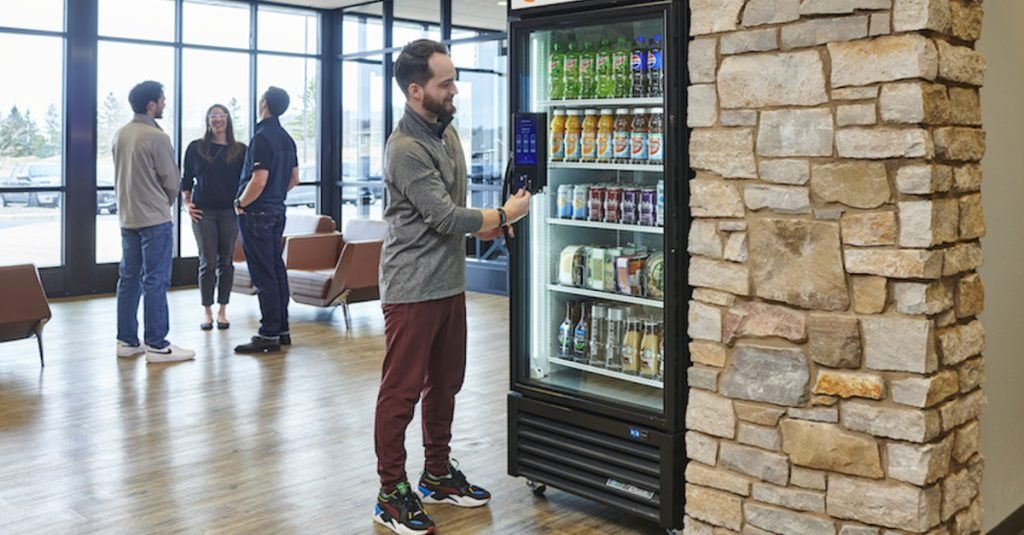
Smart coolers
A locking cooler that opens with a card and charges for what comes out.
See smart coolers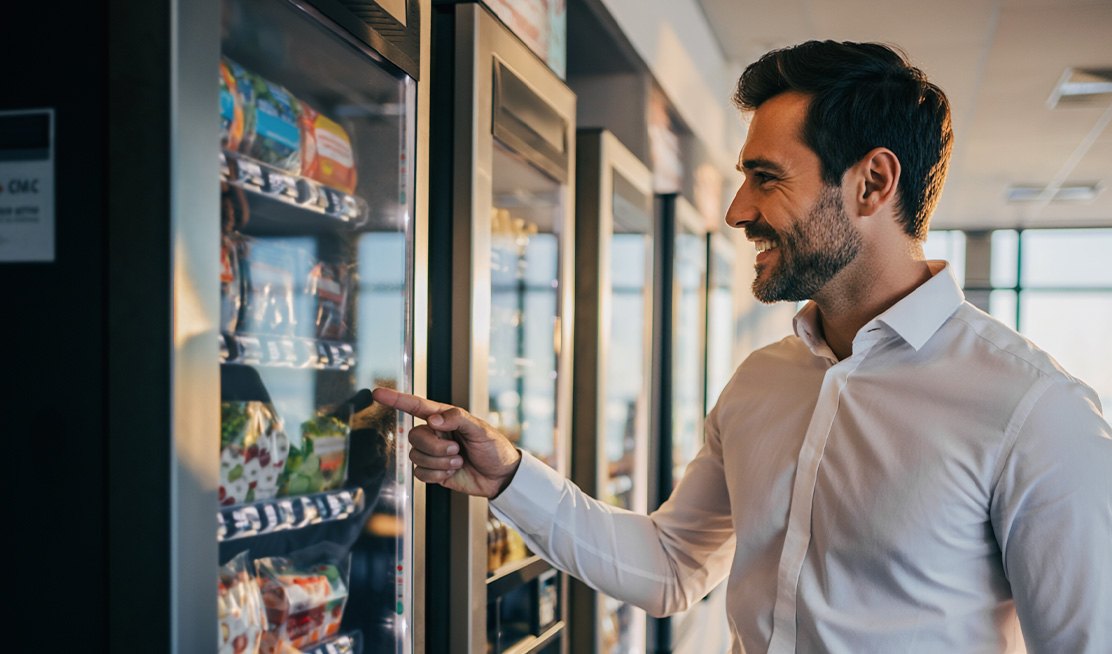
Vending machines
Snack, drink and fresh food machines with tap-to-pay readers and remote monitoring.
See vending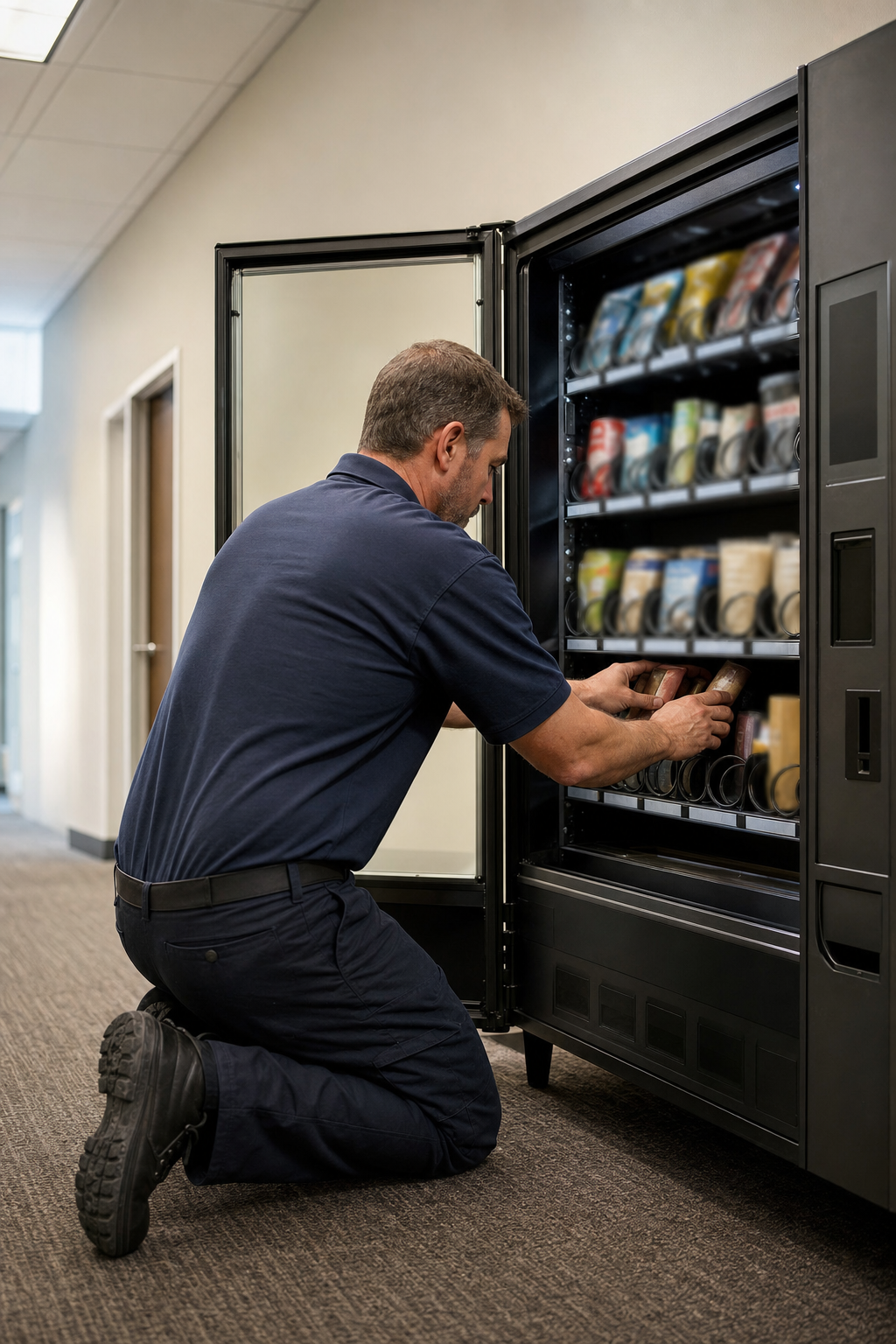
Service and repairs
What happens after someone reports a problem through Zippy Assist.
See service and repairsBefore you ask
Break room technology questions
What payment methods do your machines take?
Tap-to-pay debit and credit cards and mobile wallets such as Apple Pay and Google Pay on vending machines, micro markets and smart coolers. Micro markets can also take payment from a market account.
How does remote monitoring work?
Each unit tracks what sells and reports it, along with service needs, to our Auburn office. We plan restocking from that data rather than a fixed calendar, which means fewer empty rows.
What is Zippy Assist?
The support tool on every Vista machine, market and cooler. Scan the code with a phone to request a refund, report a problem, ask for a product or leave feedback, in English or Spanish.
Can we order supplies without a full service program?
Yes. Online ordering at shop.vistavendingnw.com covers coffee supplies, snacks, drinks and essentials with no bulk minimums. Product photos keep orders accurate, and once your list is set up, reordering takes a few clicks.
Can cashless checkout handle a subsidy?
Yes. The discount is applied at the card reader or market kiosk when the item is scanned, so employees see the lower price at checkout and your company is invoiced for the difference.
Book a walkthrough
See the technology in your building.
Tell us about your workplace and the equipment you have now. The Auburn team will recommend a setup and walk you through how payment and support work.
- Walkthrough and proposal with no obligation
- Cashless payment and Zippy Assist on every unit
- Equipment placed and serviced at no cost for qualifying locations
By phone
Questions about how it works?
Call the Auburn office and ask about payment options, monitoring or Zippy Assist before you commit to anything. Or email service@vistavendingnw.com.